Keep all your sped up songs in one place
Cherry is a personal music player for sped up songs and every other version you love. Save the exact sped up version, snip it to the part you replay the most, and loop it.
Try Cherry free →Never lose a sped up version again
Sped up songs spread fast and disappear just as fast. The version you heard on repeat last month can be impossible to find today, buried under dozens of similar uploads with messy titles.
With Cherry, you keep the exact one. It stays in your library with a clean title, and the version sits next to the artist, so your sped up, slowed and original versions never get mixed up.
Cut straight to the good part
Sped up songs are short and punchy, and there's always a part you rewind to. Snip it once and Cherry plays just that part, on repeat.
Add the song
Search for the sped up version and add it to your library.
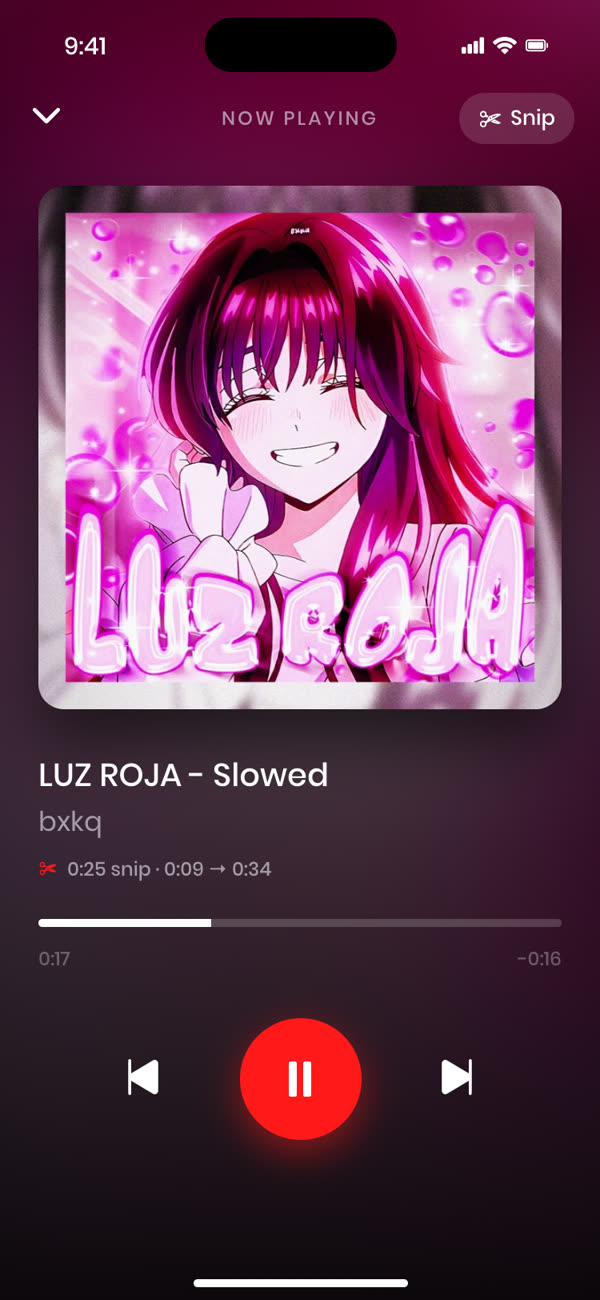
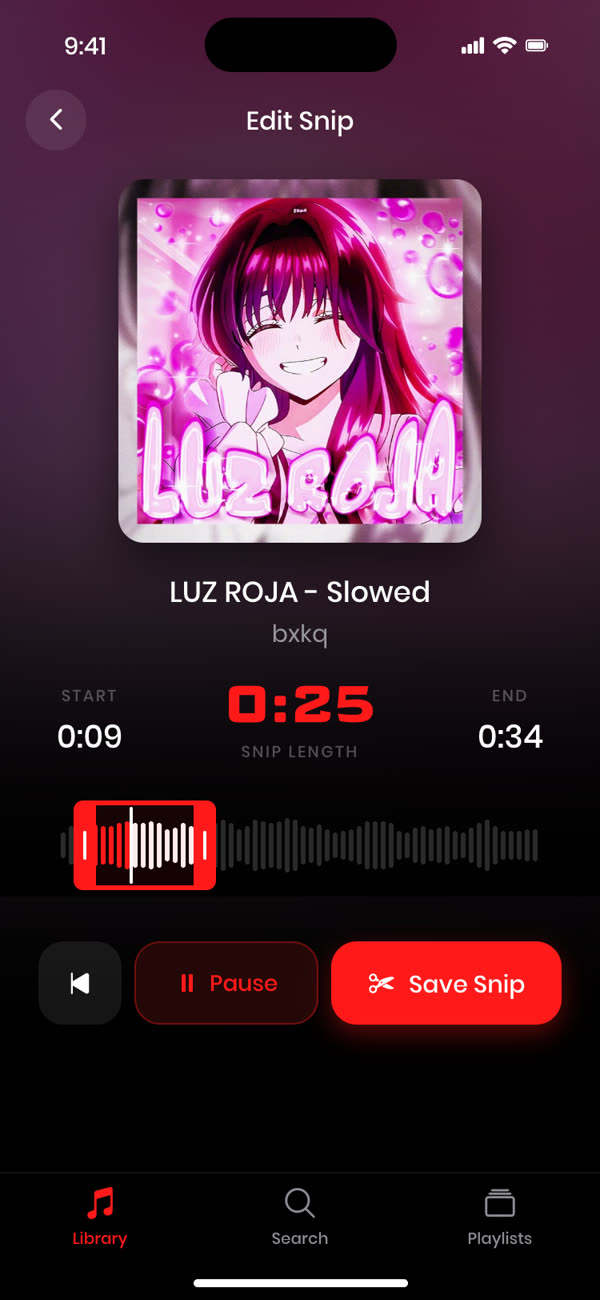
Pick your part
Open the snip editor and drag the grips around the section you love.
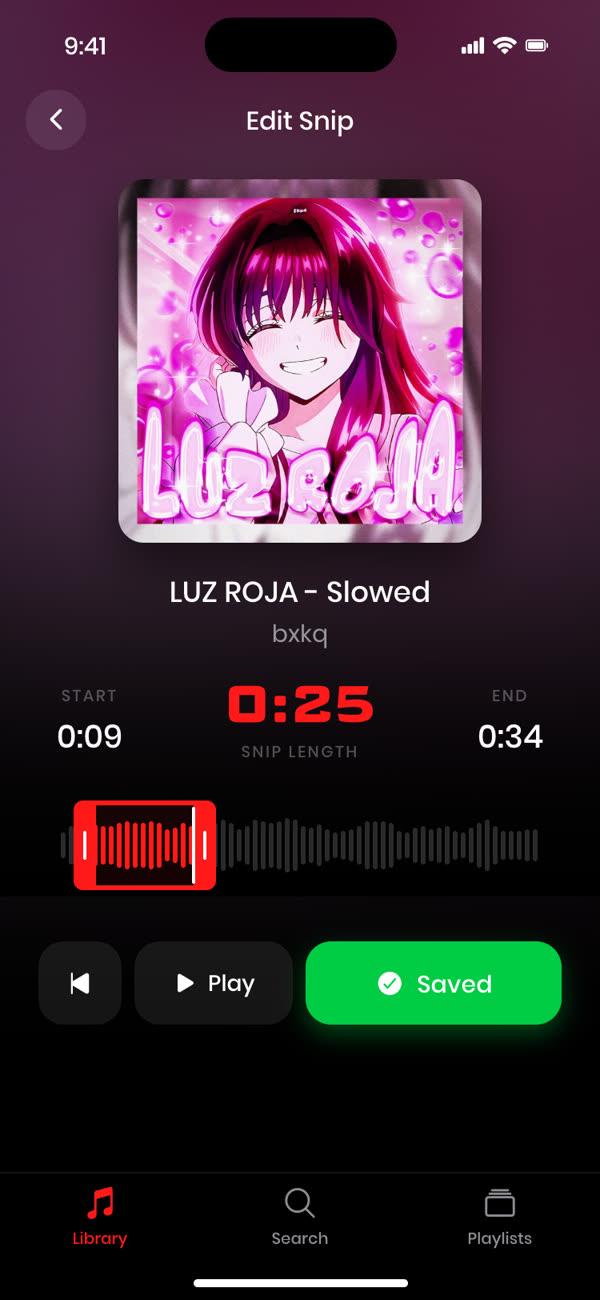
Save and loop
Save the snip and it loops seamlessly every time you press play.
Frequently asked questions
What's the difference between sped up and nightcore?
Both are faster versions of a song. Nightcore usually raises the pitch as well, while sped up versions often keep things closer to the original sound. Cherry keeps both.
Can I loop just the chorus of a sped up song?
Yes. Snip any song down to the chorus, or any other part, and Cherry loops it for you.
Is Cherry free?
Your first 3 songs are free, with full snipping and looping. Cherry Pro unlocks an unlimited library.
Snip any track to the perfect moment.
Free for your first 3 songs.
Get started free →