How to loop part of a song on Apple Music
Apple Music can repeat a whole song, but not just one part. To loop a single section, search the same song in Cherry, drag the two grips around the part you want, and save. Cherry plays that part on repeat.
Try Cherry free →What Apple Music's repeat does
Apple Music lets you repeat a playlist or repeat one song, but both repeat the entire track. There's no built-in way to loop only the chorus, a verse or the drop.
Cherry is a separate music player built around exactly that. It doesn't link to your Apple Music library: you search for the song in Cherry and snip it there.
How to loop just your part
Search the song in Cherry
Find the song (or a slowed, sped up or remixed version) and add it to your library.
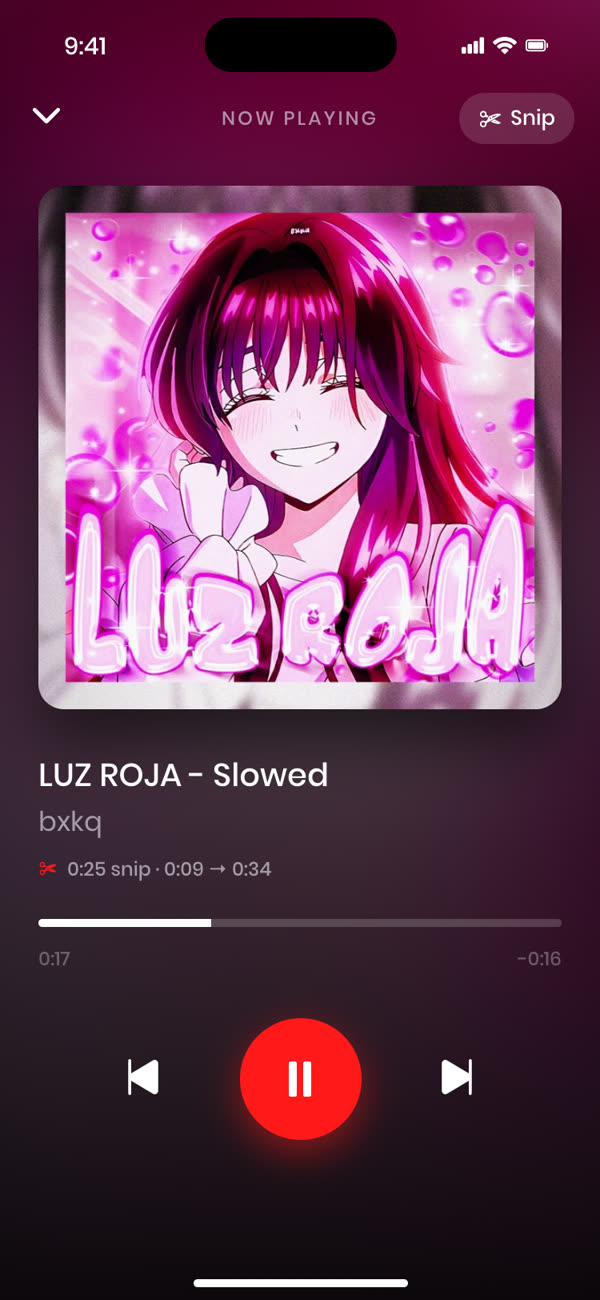
Snip your section
Tap the scissors, then drag the grips to the start and end of your part. Preview it.
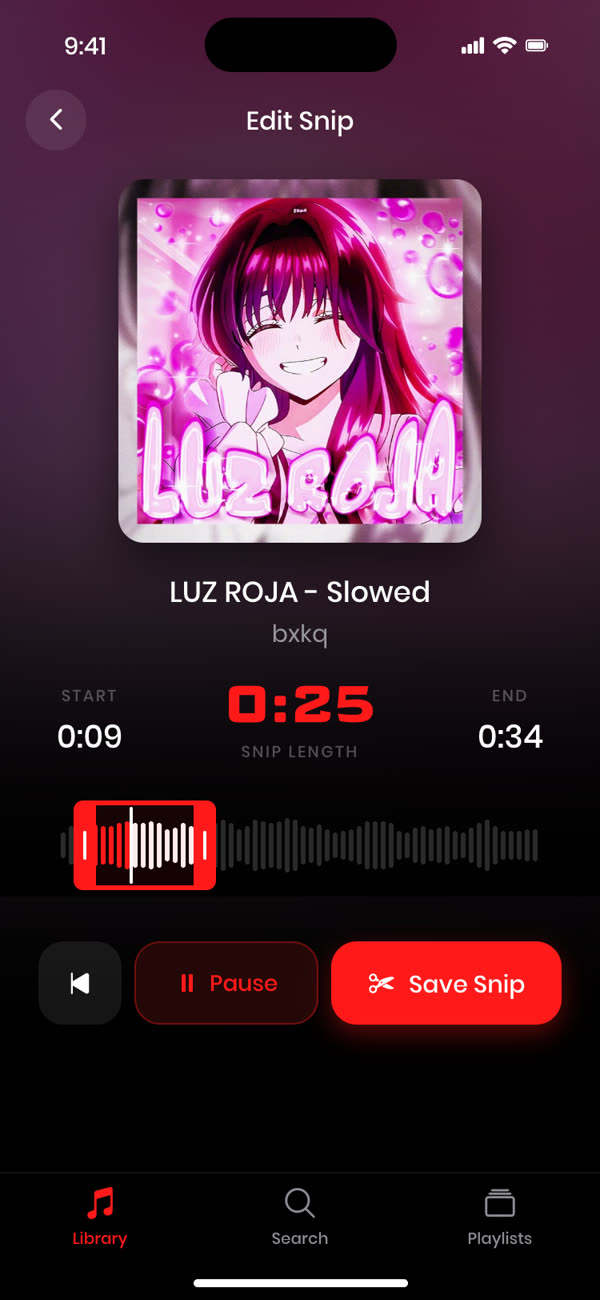
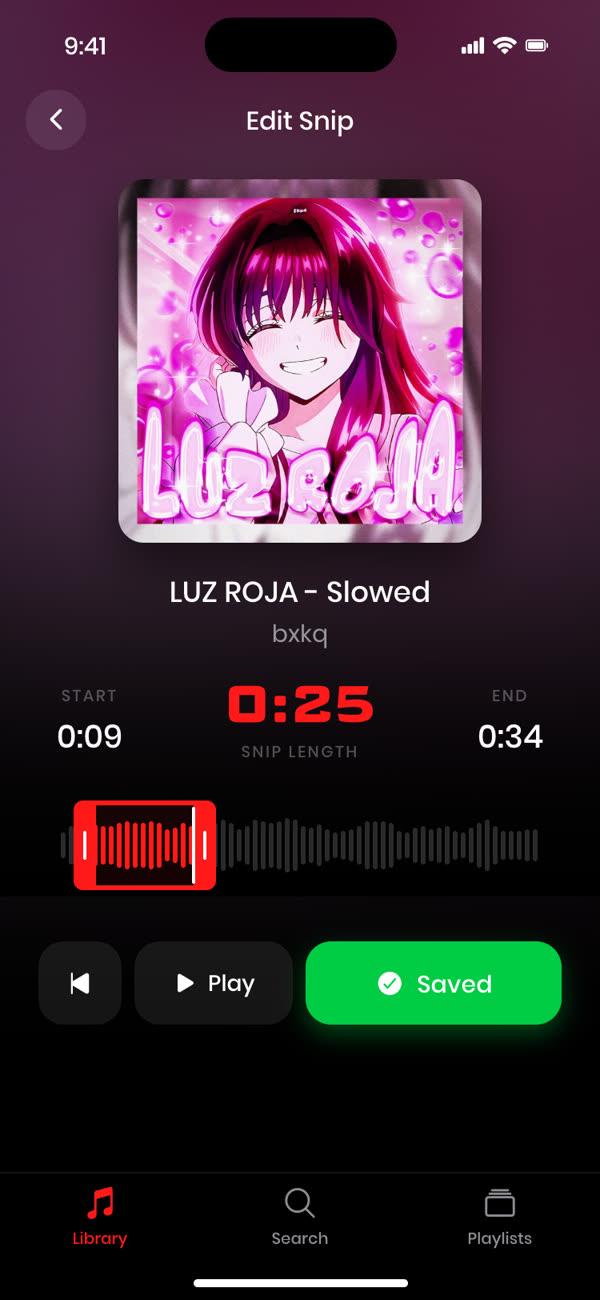
Save and loop
Tap Save Snip, and that song now plays only your part, on repeat.
Frequently asked questions
Can Apple Music loop part of a song?
No. Apple Music can repeat a whole song or playlist, but not a section of a song.
Does Cherry work with my Apple Music library?
No. Cherry is its own music player with its own search. You add songs in Cherry and snip them there.
Is it free?
Your first 3 songs are free, with full snipping and looping. Cherry Pro unlocks an unlimited library.
Snip any track to the perfect moment.
Free for your first 3 songs.
Get started free →